Best USB-C Hubs & Docks for MacBook in 2026
From a $38 everyday hub to a Thunderbolt 5 dock that replaces every dongle you own — the best USB-C hubs and docking stations for MacBook in 2026.

iWriteTech Team
Tech Reviewer
On this page
Apple keeps MacBooks thin by keeping ports scarce. In 2026 that means most MacBook owners eventually buy a hub — the question is which one, since "hub," "dock," and "docking station" all mean genuinely different things and get priced very differently.
Quick Picks
- Best Value: Anker 555 8-in-1
- Most Aesthetic: Satechi USB-C Pro Hub
- Best for Dual Monitors: UGREEN Revodok Pro 13-in-1
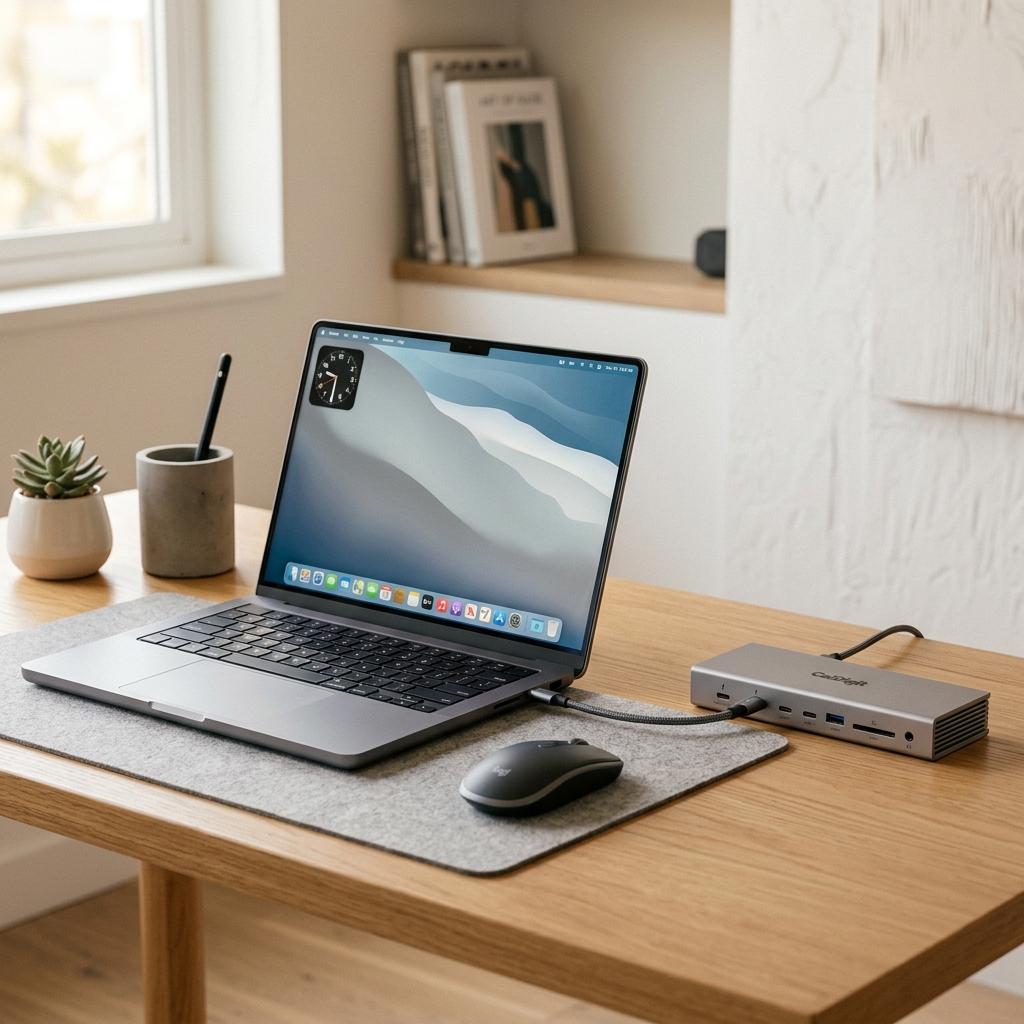
- Best Full Dock: CalDigit TS4
Comparison Table
| Hub/Dock | Approx. Price | Key Ports | Display Support | Best For |
|---|---|---|---|---|
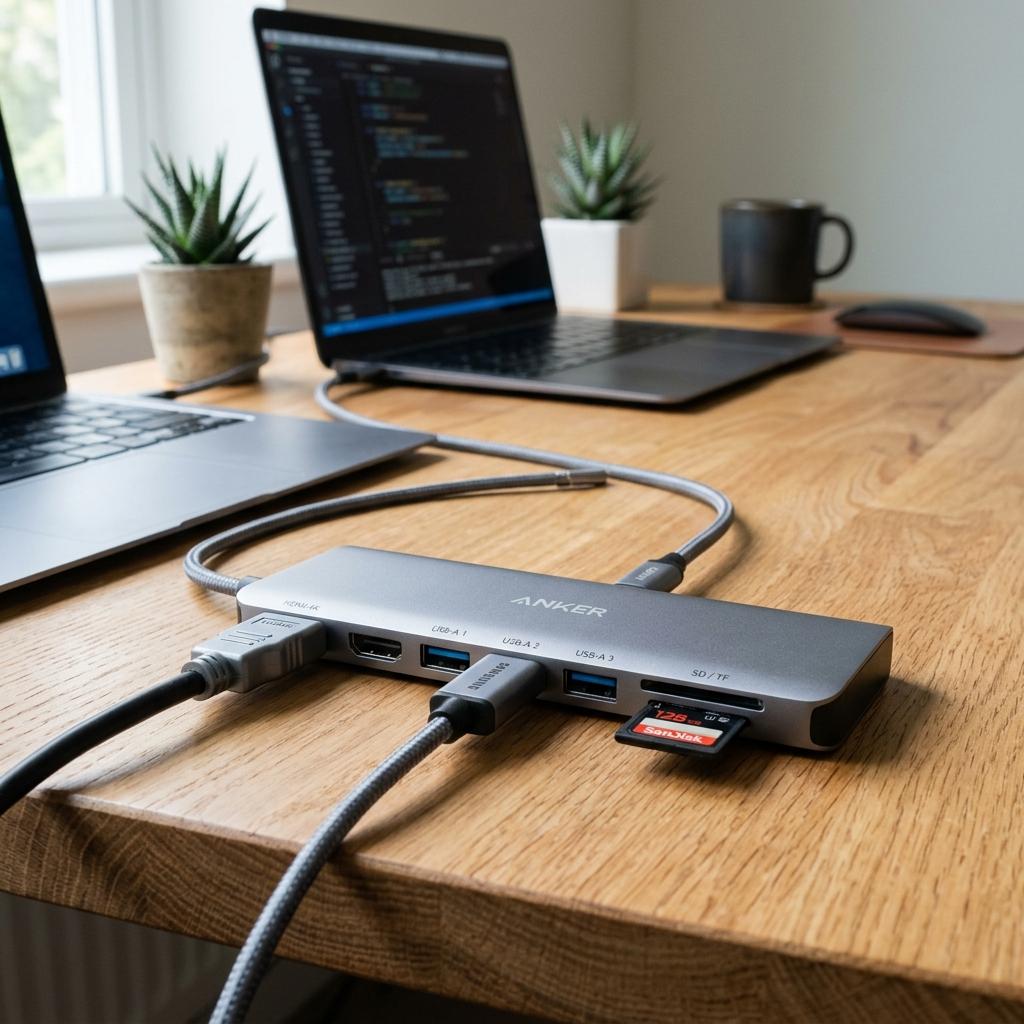
| Anker 555 8-in-1 | Check current price | HDMI, Ethernet, SD/microSD, 2x USB-A, USB-C | Single 4K@30Hz | Most people, most days |
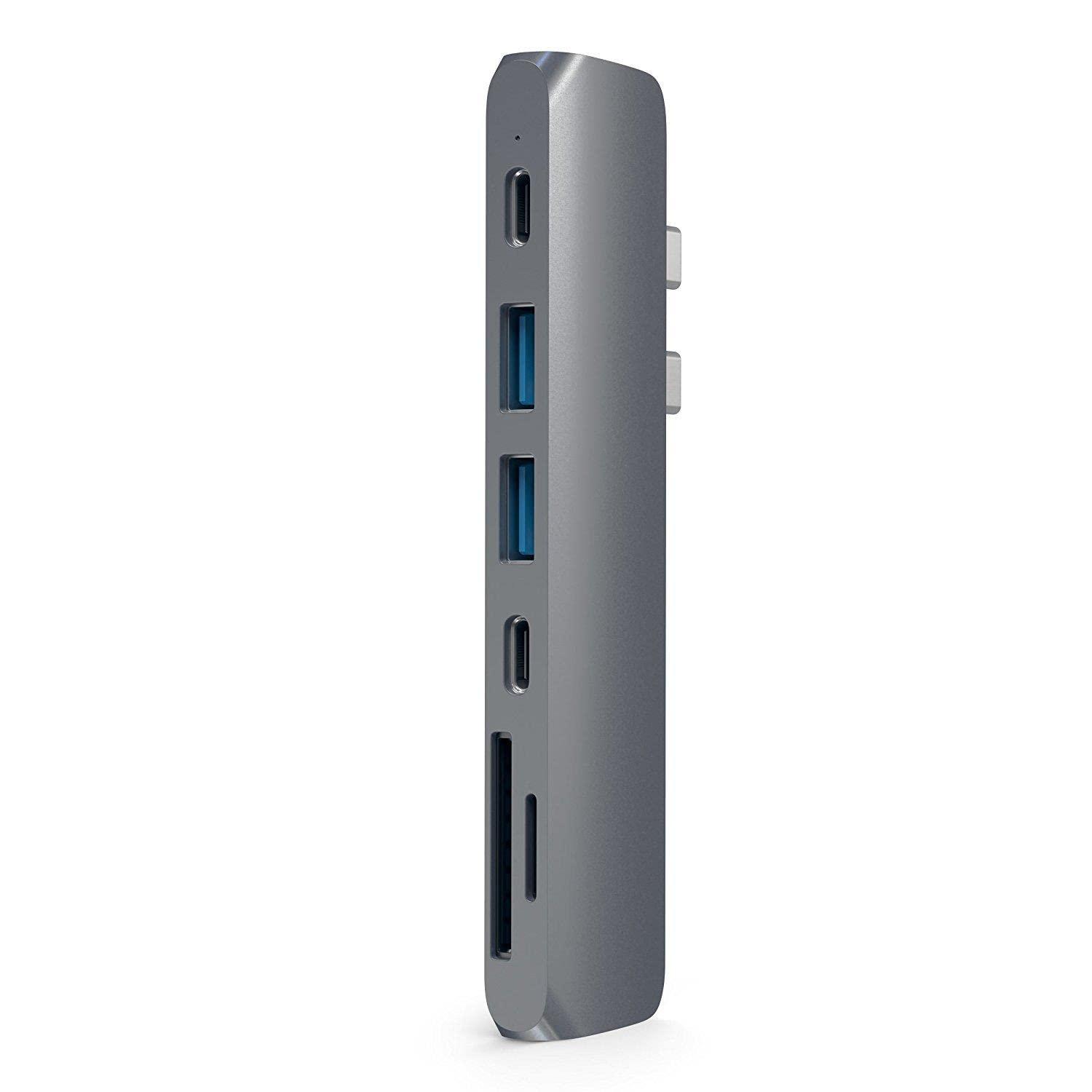
| Satechi USB-C Pro Hub | ₹9,199 | HDMI, USB-A, card reader | Single display | Desk aesthetics matching MacBook |
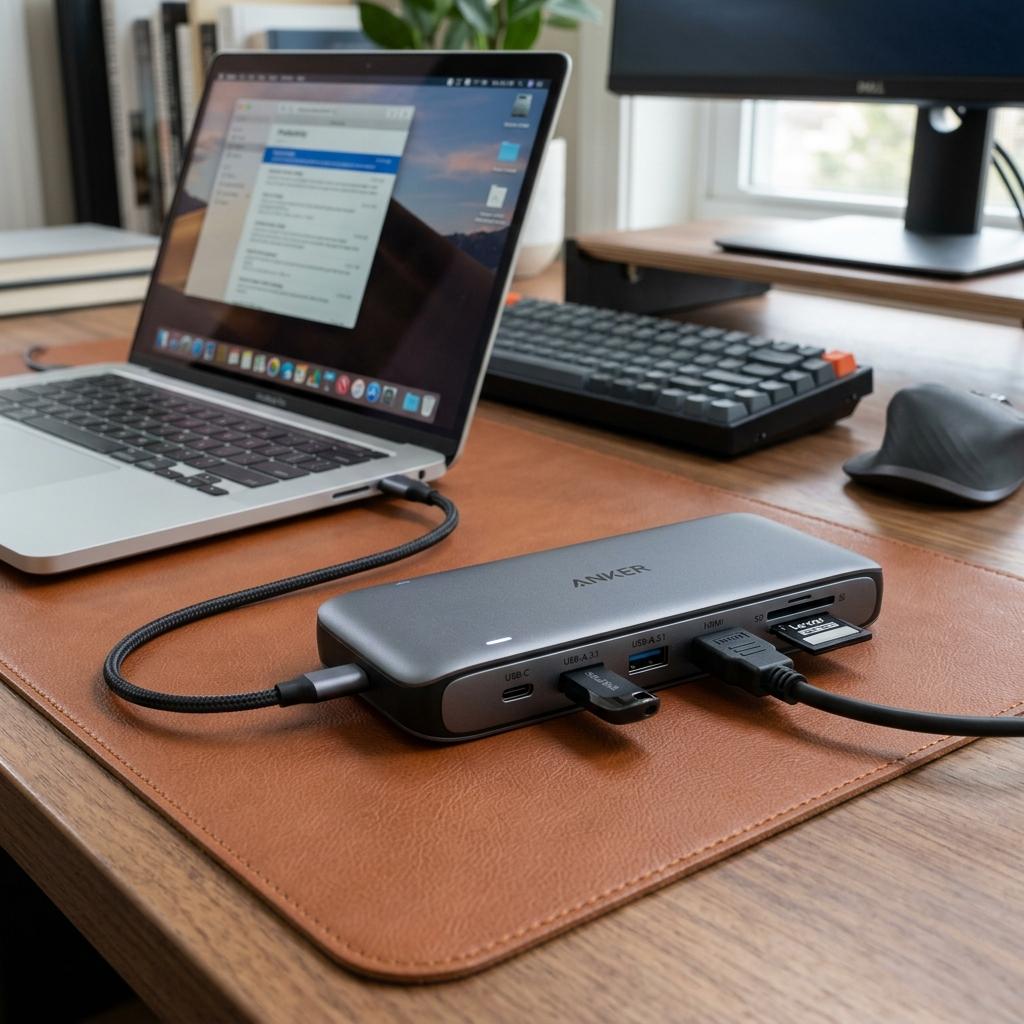
| UGREEN Revodok Pro 13-in-1 | Check current price | HDMI, Ethernet, SD/TF, USB-A/C | Dual 4K@60Hz (via DisplayLink) | Base M1/M2 MacBooks wanting 2 monitors |
| CalDigit TS4 | ₹57,527 | 18 total ports incl. Thunderbolt 4, 2.5GbE | Multiple displays | Full permanent workstation setup |
The Reviews
Anker 555 8-in-1
The Anker 555 has held the 'top overall pick' spot across multiple independent testing sites through 2026, and the reasoning holds up: HDMI, Gigabit Ethernet, SD/microSD, USB-A, and 85W passthrough charging, all reliably. It's not the flashiest hub here, but reliability over a year of daily use — no dropped displays, no failed charging — is exactly what most people actually want from a hub they don't want to think about.
Reasons to Buy
- Covers essential ports (HDMI, Ethernet, SD, USB-A) at a genuinely low price
- 85W passthrough charging keeps your MacBook topped up while docked
- Proven daily-use reliability, not just good spec sheet
Reasons to Avoid
- 4K output capped at 30Hz — fine for productivity, not ideal for video work
- Single external display only
Satechi USB-C Pro Hub
If the Anker 555 is the 'don't think about it' pick, the Satechi is the 'this needs to look intentional on my desk' pick. It's consistently the hub recommended in aesthetic-desk-setup circles specifically because its aluminum finish sits next to a MacBook without looking like a mismatched accessory.
Reasons to Buy
- Aluminum design specifically built to match MacBook aesthetics
- Compact and travel-friendly despite the premium build
- Strong reputation among MacBook-focused reviewers
Reasons to Avoid
- Fewer ports than similarly-priced competitors focused purely on function
- Single display support only
UGREEN Revodok Pro 13-in-1
This is the specific answer to a common MacBook Air/base M1-M2 problem: those chips natively support only one external display over USB-C. The Revodok Pro uses DisplayLink software to work around that limitation and drive two 4K@60Hz monitors — genuinely useful if you're not ready to upgrade to a Pro/Max chip just to get dual-monitor support.
Reasons to Buy
- Enables dual 4K@60Hz displays even on base M1/M2 MacBooks via DisplayLink
- 13 ports covers nearly every peripheral scenario
- Strong value relative to full docking stations
Reasons to Avoid
- DisplayLink requires a driver install and adds some CPU overhead
- Larger footprint than slim travel hubs
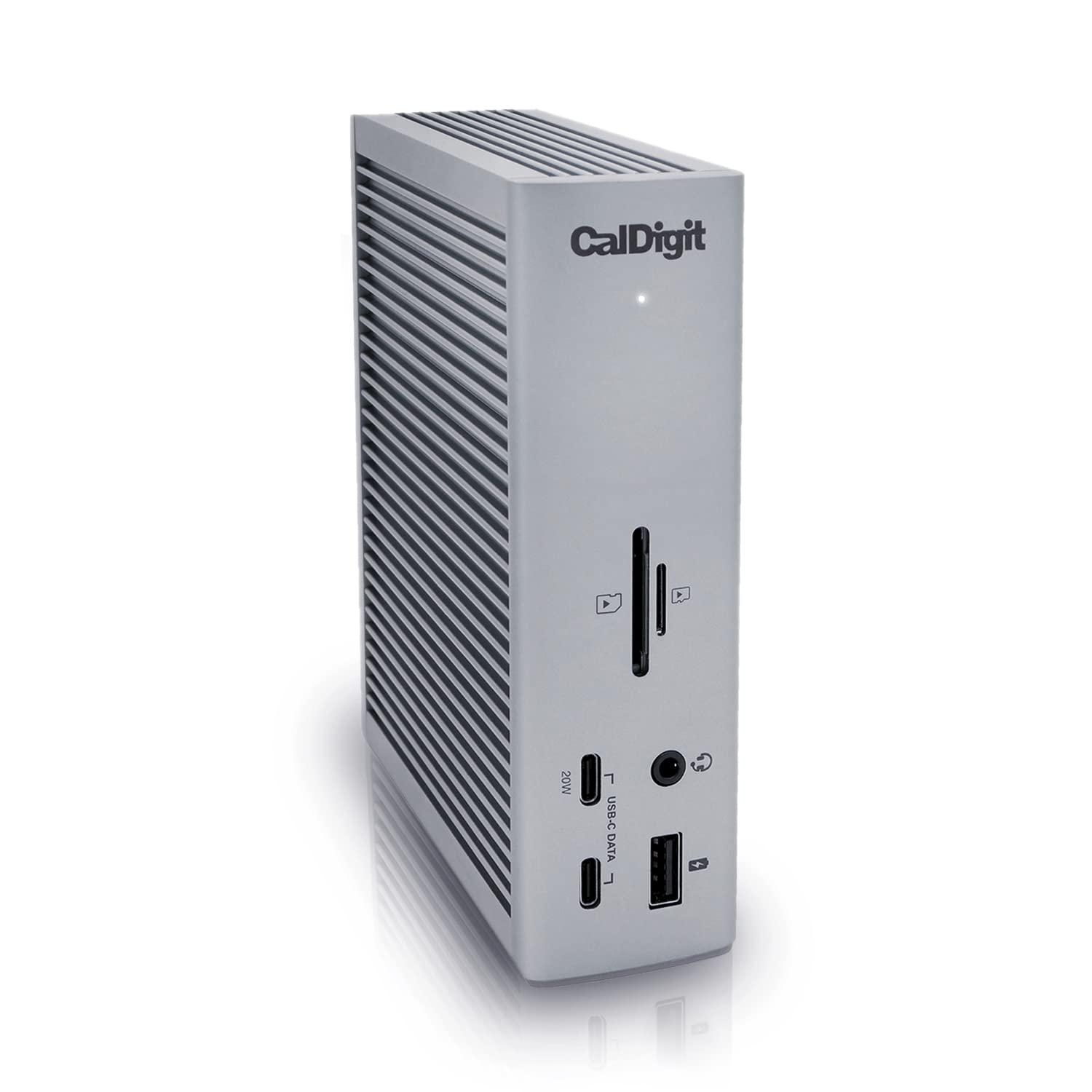
CalDigit TS4
The CalDigit TS4 isn't a hub, really — it's a full dock, and it's still considered the gold standard for a permanent MacBook workstation in 2026. 18 total ports, Thunderbolt 4, 2.5 Gigabit Ethernet, and 98W host charging mean it genuinely replaces every dongle on your desk. This is the 'buy once, stop thinking about ports forever' option, priced accordingly. Note that it carries a steep import-pricing premium on Amazon.in compared to competing docks.
Reasons to Buy
- 18 ports covers essentially every peripheral you'll ever plug in
- Thunderbolt 4 bandwidth eliminates bottlenecks entirely
- Consistently recommended by major outlets for macOS reliability
Reasons to Avoid
- Premium pricing — this is a serious investment, not an impulse buy
- Overkill if you only need one external display and basic ports
FAQs
Frequently Asked Questions
What's the actual difference between a hub, an adapter, and a dock?
Can my MacBook actually run two external monitors?
Do I need Thunderbolt, or is USB-C enough?
Conclusion
Most people should start with the Anker 555 — it's not the most interesting pick, but it's the one you'll actually stop thinking about after a week. Upgrade to the Satechi if desk aesthetics genuinely matter to your setup, the UGREEN Revodok Pro specifically if you're on a base-chip MacBook wanting dual monitors, and the CalDigit TS4 only once you're certain this is a permanent, serious desk setup.
Related Articles
iWriteTech Team
Tech Reviewer
Tech enthusiast and reviewer dedicated to finding the perfect balance between aesthetics and performance for modern workspaces.