Best MacBook Accessories for a Clean Desk Setup (2026)
The five MacBook accessories that actually earn a spot on a minimalist desk in 2026 — a hub, a stand, a charger, a mat, and why each one made the cut.

iWriteTech Team
Tech Reviewer
On this page
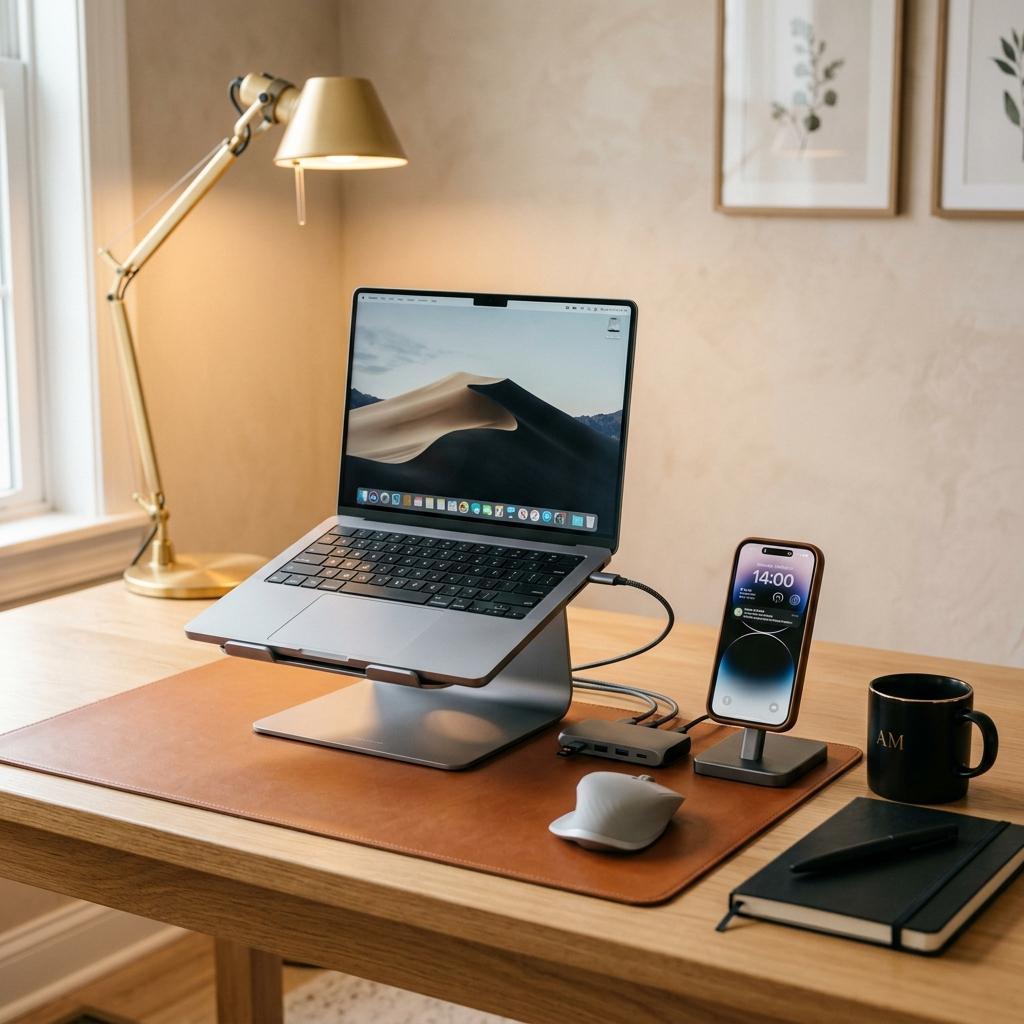
A MacBook desk setup goes wrong in one of two directions: either you own nothing and live with two ports and a laptop balanced on a stack of books, or you own eleven dongles and your desk looks like an electronics recycling bin. This is the shortlist that avoids both — one pick per category, chosen specifically for MacBook compatibility and desk aesthetics, not just spec-sheet port counts.
Quick Picks
- Hub: Satechi USB-C Pro Hub
- Stand: Rain Design mStand
- Charger: Belkin BoostCharge Pro 3-in-1
- Desk Mat: K KNODEL Dual-Sided PU Leather
Comparison Table
| Accessory | Product | Approx. Price | Why It's Here |
|---|---|---|---|
| USB-C Hub | Satechi USB-C Pro Hub | ₹9,199 | Aluminum finish matches MacBook, not just functional |
| Laptop Stand | Rain Design mStand | ₹8,014 | Machined aluminum, matches Space Gray/Silver |
| Wireless Charger | Belkin BoostCharge Pro 3-in-1 | ₹15,719 | Weighted base looks intentional on a desk, not bedside-only |
| Desk Mat | K KNODEL Dual-Sided PU Leather | ₹2,899 | Dual-sided, waterproof, and extremely popular |
The Picks
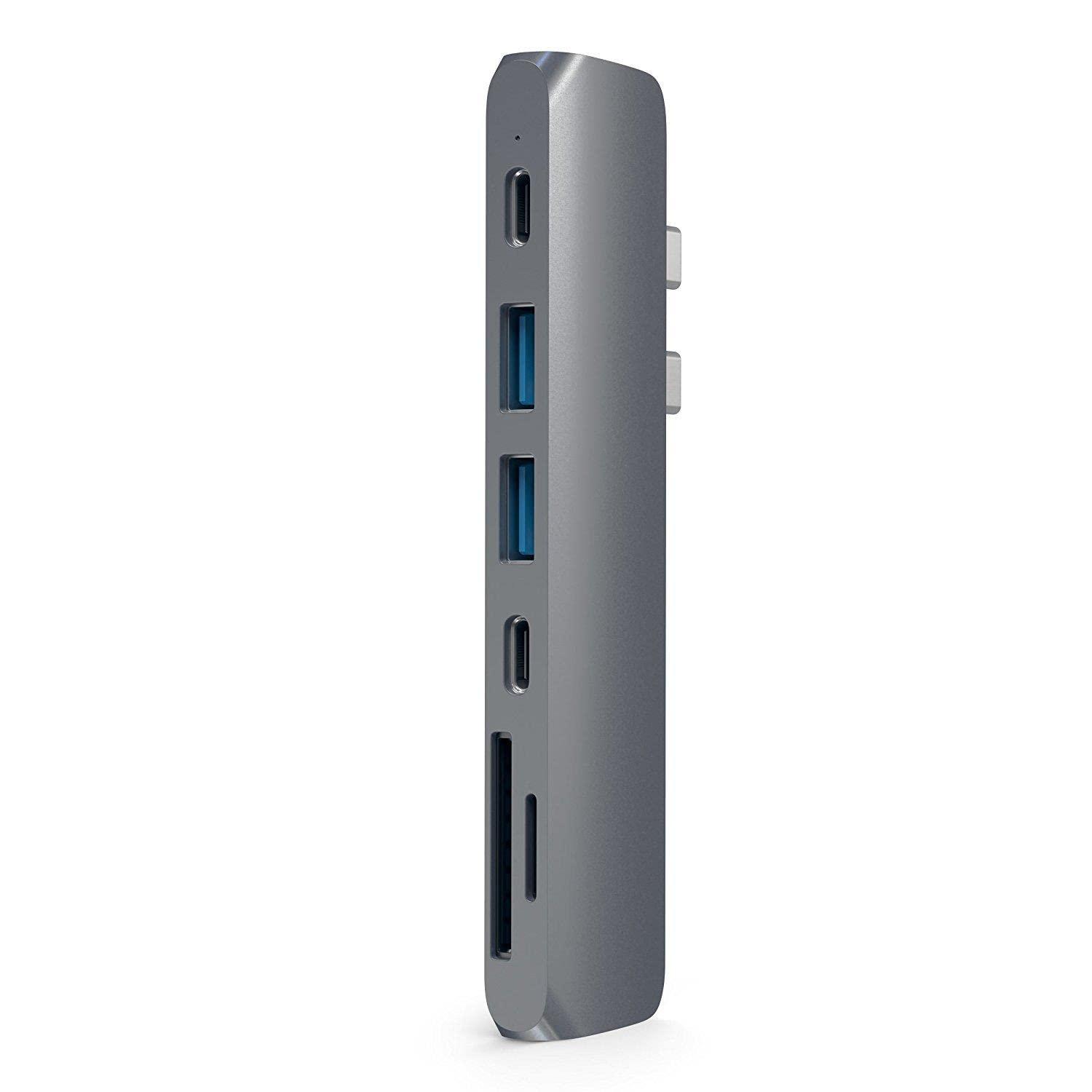
Satechi USB-C Pro Hub
Satechi has built a reputation specifically around making accessories that look like they came out of Apple's own design language — and the USB-C Pro Hub is the clearest example. It's compact enough to travel but solid enough to live permanently on a desk, giving you HDMI, USB-A, and card reader ports without the bulky, mismatched-plastic look most budget hubs have.
Reasons to Buy
- Aluminum finish genuinely matches MacBook's own design language
- Compact enough for travel, solid enough for daily desk use
- Reliable brand reputation specifically for Mac compatibility
Reasons to Avoid
- Not the cheapest hub in its port-count class
- Single external display only — check your MacBook chip's native display support before buying if you need dual monitors
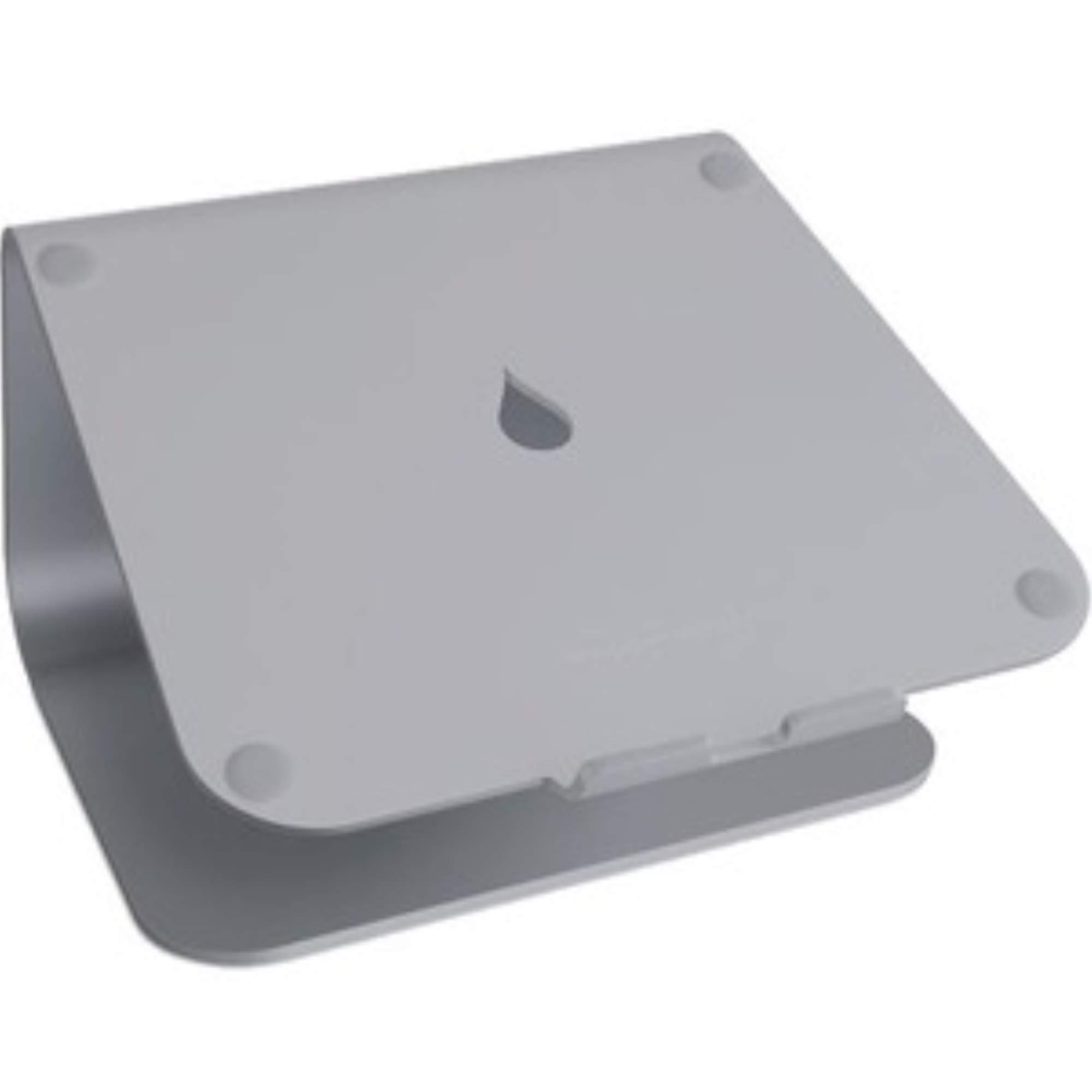
Rain Design mStand
The mStand has been around since early MacBook generations for a reason: it's machined from a single piece of anodized aluminum, sits dead solid with zero wobble, and comes in finishes that match Space Gray and Silver MacBooks almost exactly. The fixed 6-inch riser gets your screen to a comfortable eye-level height, and a built-in cable groove keeps the charging cable from turning into desk clutter.
Reasons to Buy
- Single-piece anodized aluminum — genuinely matches MacBook finishes
- Zero wobble, even under active typing
- Built-in cable management groove
Reasons to Avoid
- Fixed height — no adjustability if 6 inches isn't right for your desk/chair setup
- Doesn't fold flat for travel
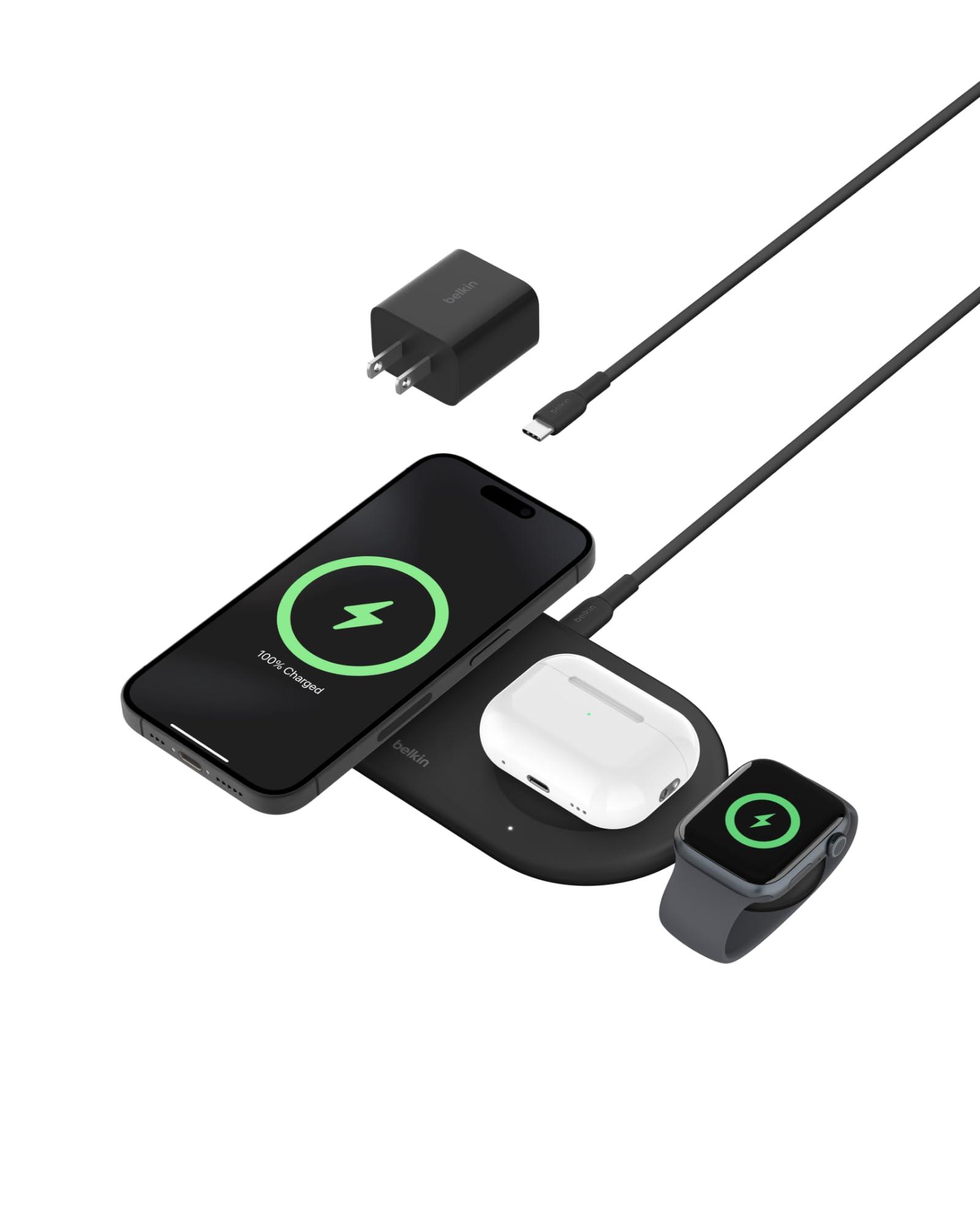
Belkin BoostCharge Pro 3-in-1
This isn't a MacBook charger directly (it charges iPhone, Apple Watch, and AirPods) — but it earns its place on this list because most desk setups also have a phone and earbuds to charge, and a weighted, intentional-looking 3-in-1 station keeps that from turning into three separate cables snaking across the desk next to your MacBook.
Reasons to Buy
- Weighted base looks and feels premium on a desk, not just a nightstand
- Charges phone, watch, and earbuds from one footprint
- Reliable, established brand for Apple ecosystem charging
Reasons to Avoid
- Premium price for what is, functionally, three chargers in one base
- Requires a fairly high-wattage adapter for full simultaneous speed
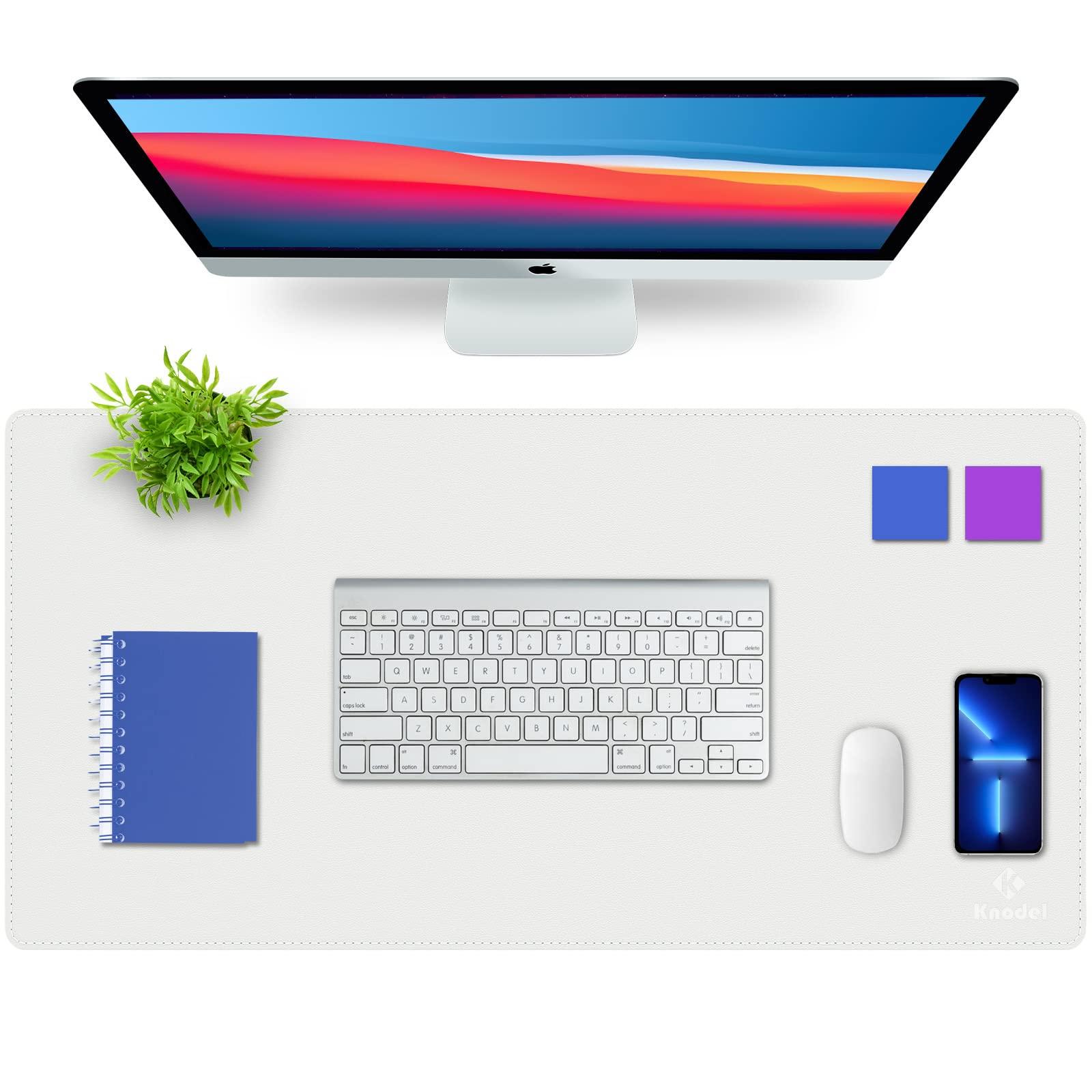
K KNODEL Dual-Sided PU Leather Desk Mat
A highly-rated PU vegan leather desk mat that adds a layer of protection to your desk. It's dual-sided, waterproof, and extremely easy to wipe clean. With over 50,000 ratings, it's one of the most trusted mats available to organize your MacBook setup visually.
Reasons to Buy
- Waterproof and easy to wipe clean
- Dual-sided design
- Extremely well-trusted with over 50,000 ratings
Reasons to Avoid
- Doesn't have the built-in cable management of pricier mats
- Basic design compared to felt or genuine leather
FAQs
Frequently Asked Questions
Do I need a hub if my MacBook already has enough ports?
Is a laptop stand actually necessary, or just aesthetic?
Can I mix and match brands, or should everything match?
Conclusion
None of these four are essential in the sense that your MacBook won't work without them — but each solves a specific, real desk problem: not enough ports, screen too low, cables everywhere, phone charging chaos. Start with whichever problem is actually bothering you daily, not with the full list at once.
Related Articles
iWriteTech Team
Tech Reviewer
Tech enthusiast and reviewer dedicated to finding the perfect balance between aesthetics and performance for modern workspaces.