Best Monitor Light Bars for Eye Strain-Free Work (2026)
The best monitor light bars in 2026, from a $40 Quntis pick that covers 90% of what matters to the BenQ ScreenBar Halo 2's motion-sensing premium experience.

iWriteTech Team
Tech Reviewer
On this page
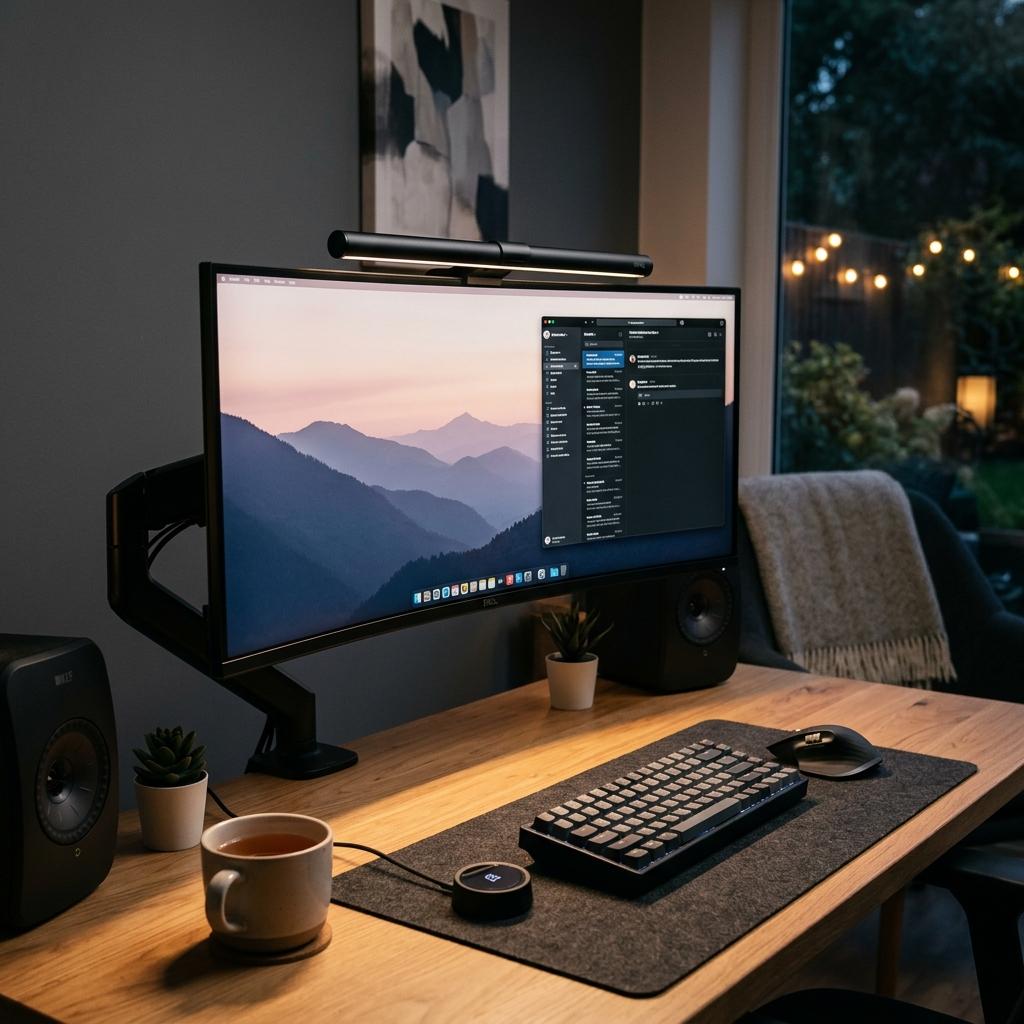
A monitor light bar solves a specific problem a desk lamp can't: a lamp beside your monitor reflects straight off the screen, raising ambient glare exactly where you're trying to focus. A light bar mounted on top directs light down onto the desk instead — the geometry is the whole trick, not just the light source.
Quick Picks
- Best Overall (Premium): BenQ ScreenBar Halo 2
- Best Value: Quntis Monitor Light Bar Pro+
- Most Aesthetic/Minimalist: Xiaomi Mi Computer Monitor Light Bar
- Gold Standard: BenQ ScreenBar
Comparison Table
| Light Bar | Approx. Price | Color Temp Range | Control | Best For |
|---|---|---|---|---|
| BenQ ScreenBar Halo 2 | ₹15,990 | 2700K–6500K | Wireless dial + motion sensor | Best-in-class, backlight included |
| Quntis Monitor Light Bar Pro+ | ₹9,599 | 3000K–6500K | Touch + remote | Best value, auto-dimming |
| Xiaomi Mi Computer Monitor Light Bar | Check current price | Adjustable | Wireless remote puck | Minimalist aesthetic, magnetic mount |
| BenQ ScreenBar | ₹9,990 | 2700K–6500K | On-unit dial | Proven glare-free gold standard |
The Reviews
BenQ ScreenBar Halo 2
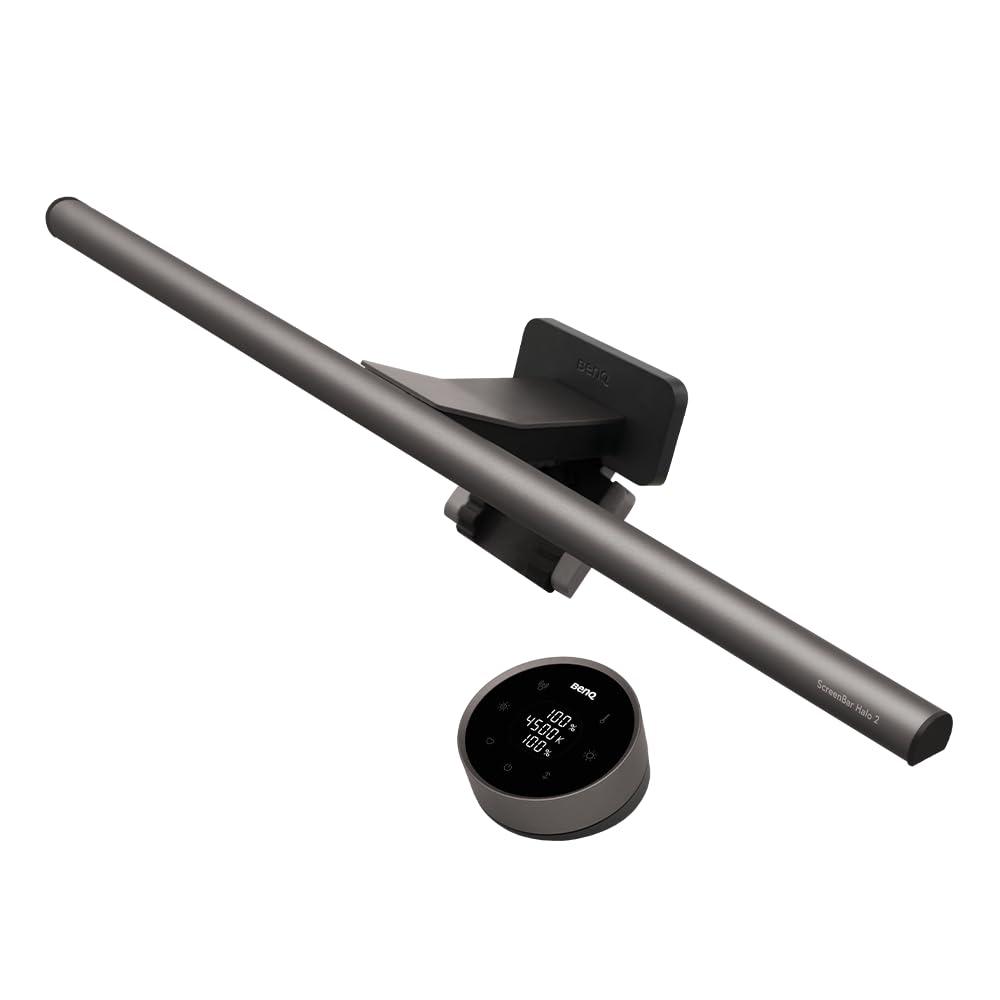
The Halo 2 is the premium benchmark for a reason: it adds a rear backlight (bias lighting) to BenQ's already best-in-class asymmetrical front lighting, plus a motion sensor that turns the light on automatically when you sit down. If glare-free lighting and a genuinely premium, hands-off experience matter more than price, this is the one to stop comparing and just buy.
Reasons to Buy
- Best-in-class asymmetrical lighting — genuinely eliminates screen glare
- Motion sensor auto-on/off, plus rear bias lighting most competitors lack
- Wireless dial controller with display for easy adjustment
Reasons to Avoid
- Priced roughly 4x the budget alternatives
- Overkill if you just want basic glare-free desk lighting
Quntis Monitor Light Bar Pro+
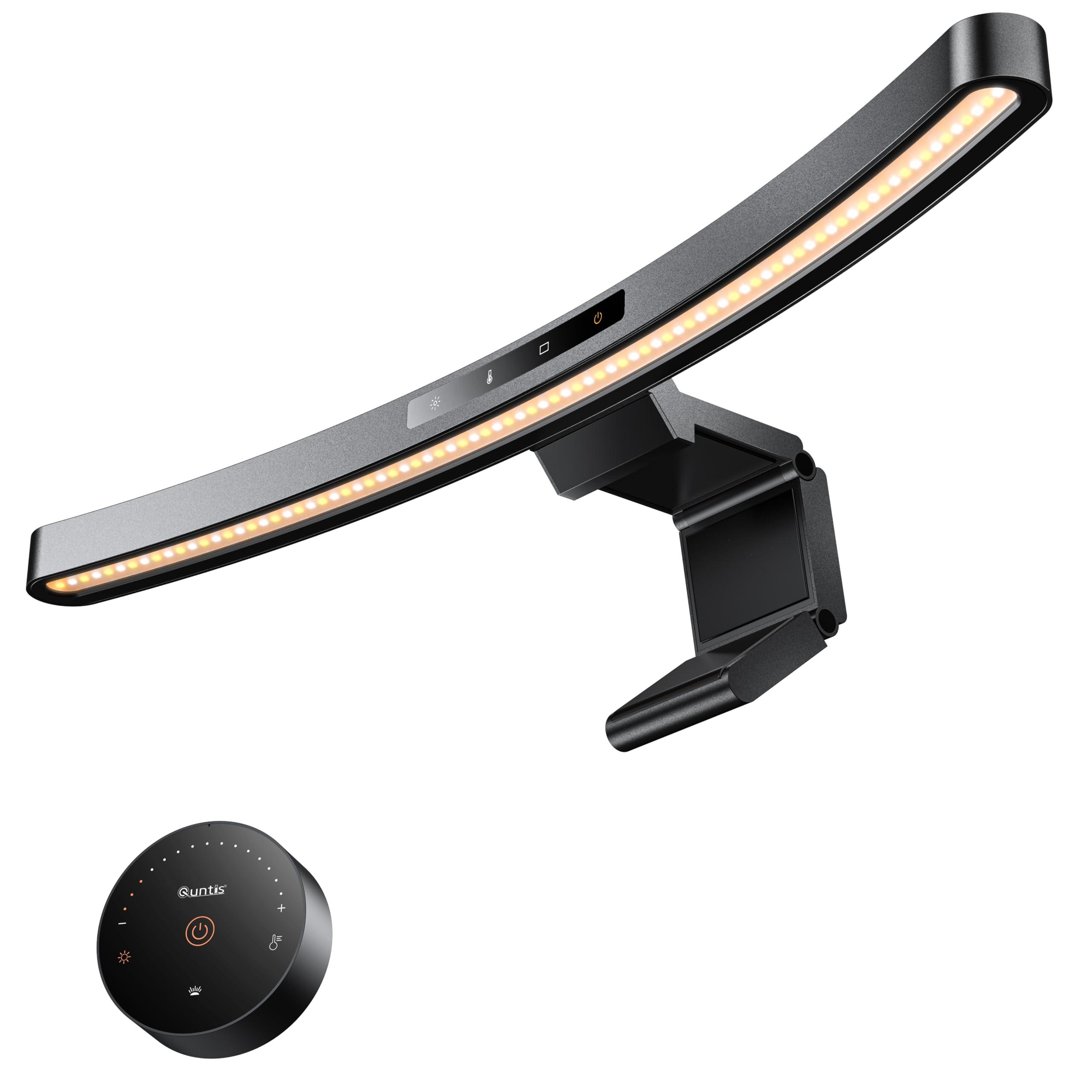
The Quntis Pro+ is the light bar to recommend to someone trying this category for the first time — remote control, auto-dimming via an ambient sensor targeting ~900 lux, and solid build quality, all without the BenQ premium. It's not the most prestigious name in the category, but the actual day-to-day experience covers the vast majority of what the pricier options do.
Reasons to Buy
- Remote control convenience without the premium price
- Auto-dimming ambient sensor works reliably
- Compatible with curved and flat monitors across a wide thickness range
Reasons to Avoid
- Brand lacks the recognition of BenQ or Xiaomi
- Remote requires its own battery — a minor ongoing maintenance point
Xiaomi Mi Computer Monitor Light Bar
Xiaomi brought its signature minimalist industrial design to this category, and it shows — the magnetic mount and wireless control puck give it a cleaner, less cluttered desk presence than most competitors. If your setup is built around a minimalist aesthetic first and lighting performance second (though it still performs well), this is the pick that looks the part.
Reasons to Buy
- Genuinely minimalist industrial design — matches a clean desk aesthetic
- Magnetic mount is fast and tidy to install
- Wireless remote puck for one-handed adjustment
Reasons to Avoid
- Not quite BenQ-level at eliminating glare on curved displays
- Mid-pack pricing — not the budget option, not the premium one
FAQs
Frequently Asked Questions
Do monitor light bars actually reduce eye strain, or is it a placebo?
Will a light bar work with my curved monitor?
Does a light bar interfere with a standing desk?
Conclusion
The Quntis Pro+ is the right starting point for most people — it's genuinely good, not just 'good for the price.' Upgrade to the BenQ ScreenBar Halo 2 specifically if you've already tried a budget light bar and want the noticeably better glare elimination and hands-free motion sensing. The Xiaomi is the pick if your desk's visual design is the priority and the lighting performance just needs to be solidly good, not best-in-class.
Related Articles
iWriteTech Team
Tech Reviewer
Tech enthusiast and reviewer dedicated to finding the perfect balance between aesthetics and performance for modern workspaces.